
I’ve been enjoying playing around with all things AI a fair bit of late. I still obviously feel out of my comfort zone with a lot of it, but I wanted to explore one topic that keeps popping up:- the idea of incorporating AI into the whole SDLC. This feels like pie in the sky at the moment, but is something I wanted to explore, using free tech that already exists.
Eventually, there’s a possibility the whole SDLC (requirements -> code -> tests -> deployment) will be done with a limited number of human checkpoints, and agents carrying out a lot of the work. Heck, you might already be there dear reader.
However, to improve my understanding, I wanted to build something from scratch which demonstrated the power of using pre-built mcp servers and cursor to orchestrate most of the work: scaffolding, tests, git operations, CI, and deployment.
The app and tests were of course basic, but I got this working end to end – having never used some of the tech before – in less than an hour. The only things I used to guide me were the MS copilot app to instruct and help debug. This post walks through what I did, the problems I hit (and how I fixed them).
TLDR: here’s a video walkthrough of the solution.
Summary
- Goal: Show a portfolio video that walks through a codebase where most SDLC steps are handled by MCP servers via Cursor. Zero hand written code.
- Core components: Cursor (IDE + AI), MCP servers (filesystem, Playwright, Git), Playwright tests, GitHub repo + Actions CI, Vercel deployment.
- Outcome: Working demo with automated tests and deployment; fixes included Playwright CLI changes and Vercel routing for serverless/SPA apps and manually needing to step in to fix Git MCP server configuration. A good baseline for further exploration.
What I built
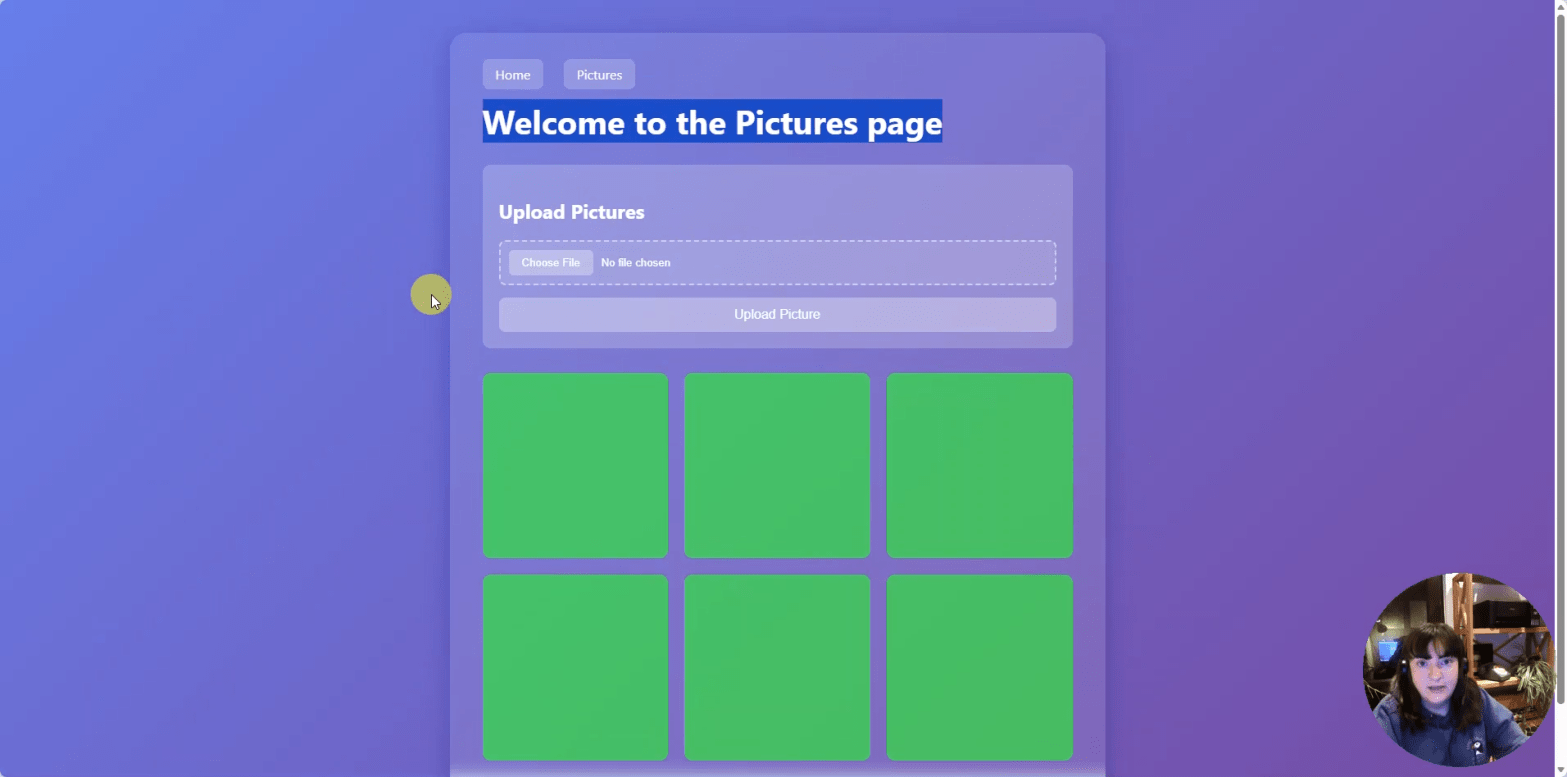
A minimal web app (Node/Express or static SPA) that:
- Exposes a simple UI and a
/healthendpoint for tests. - Has Playwright end‑to‑end tests that run locally and in GitHub Actions.
- Uses MCP servers in Cursor to generate and run tests, interact with git, and orchestrate tasks.
- Deploys to Vercel and serves the app publicly.
- Demonstrates the full flow in a recorded walkthrough: requirements → scaffold → tests → CI → deploy.
Technical stack and roles
- Cursor — central environment for AI prompts, MCP orchestration, and editing.
- MCP servers — adapters that expose tools to Cursor (e.g.,
playwright-mcp-server,@modelcontextprotocol/server-git). - Playwright (
@playwright/test) — test runner and browser automation for e2e tests. - GitHub — repo hosting, issues for requirements, and Actions for CI.
- Vercel — hosting and deployment.
Key fixes and gotchas
Playwright CLI change
- Problem:
npx playwright initreturnedunknown command 'init'. - Fix: Install the test runner and browsers explicitly:
npm install -D @playwright/test npx playwright install Scaffold tests manually (create tests/ and playwright.config.ts) and run with npx playwright test.
MCP server config
- Use a
.cursor/mcp.jsonwith entries that start the MCP server binaries. Example:
{ “mcpServers”: { “playwright”: { “command”: “npx”, “args”: [“-y”, “playwright-mcp-server”] }, “git”: { “command”: “npx”, “args”: [“-y”, “@modelcontextprotocol/server-git”] } } }
- Ensure the package you call exposes a binary with that name or install it locally/globally first.
Vercel 404 after deploy
- Common causes: wrong project root, missing build output, or server framework mismatch.
- Fixes:
- For Express apps, convert to a serverless function and add
vercel.json(this had to be done via a new prompt in cursor but worked immediately) - Accounts
- GitHub (free) — repo, issues, Actions.
- Cursor (free tier) — AI + MCP orchestration.
- Vercel (free tier) — deployment.
- Local setup
- Install Node.js and Git.
- Create repo
mcp-sdlc-demoand open it in Cursor. - Scaffold minimal app and add
npmscripts.
- Playwright
npm install -D @playwright/testnpx playwright install- Add
tests/example.spec.tsandplaywright.config.ts.
- MCP
- Add
.cursor/mcp.jsonwithplaywrightandgitservers. - Install any MCP server packages locally if needed.
- Add
- CI and deploy
- Github actions and Vercel
 Beth The Tester's Tales
2 thoughts on “How I Built an Agentic SDLC Demo with Cursor, MCP Servers, Playwright, GitHub, and Vercel in Under an Hour.”